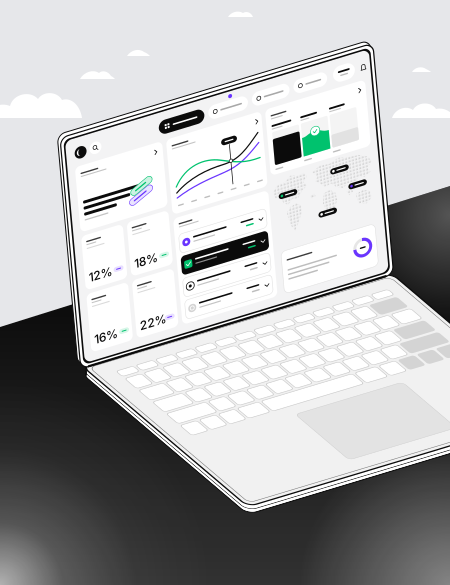
The till, the kitchen and the servers in one program, at the same time
- 01
On your own computer
Your data stays on the restaurant’s own computer; the till keeps working when the internet drops.
- 02
HandheldsComing soon
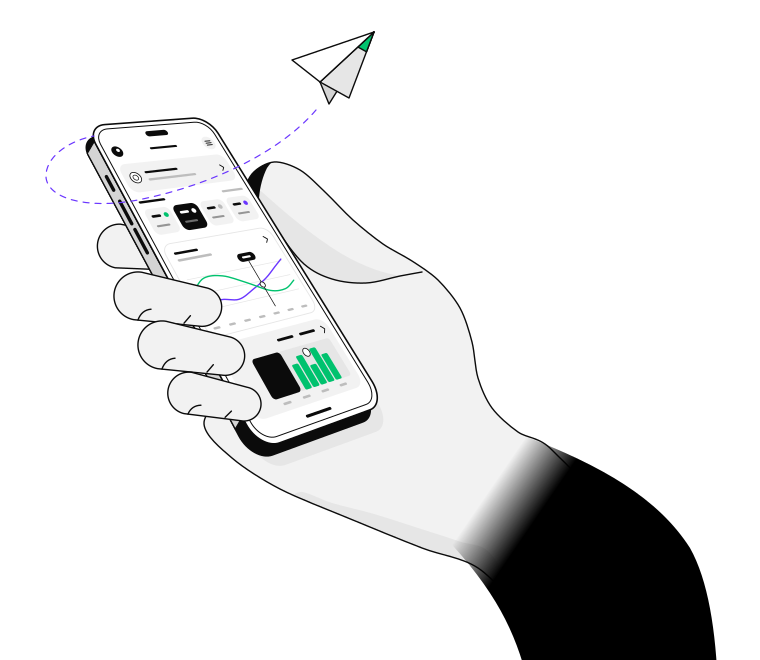
Servers’ phones become handhelds: orders are taken at the table, over the restaurant’s Wi-Fi.
- 03
A backup every day
It backs itself up every day and, if you like, keeps a copy in a cloud-drive folder or on a USB disk.
From a small café to a restaurant with branches: work with only the modules you need.
4
languages: Türkçe, English, Русский, Deutsch
Screens and receipts can each have their own language.
The till takes foreign currency too; rates come from TCMB every hour.
 The till takes
 ₺ € $ £
Cash, card, bank transfer and meal card – several at once, too.
Everything a restaurant runs on, in one program
Tables and orders
Kitchen · Bar
The kitchen’s and the bar’s tickets print separately.
Take payment
Mixed payment
Cash, card, bank transfer and meal card – and split bills.
HandheldsComing soon
Paired by QR code
Servers take orders at the table; a manager approves a void.
End of day
VAT summary
The till, the sales and the voids in one report – to print or as CSV.
Stock, customers, promotions
Modules
Stock levels, customer cards, discounts by day and hour.
Download and install
For Mac and Windows; once installed, it opens with your licence key.
Loading
The installed app finds the new version itself: on Windows, ‘Update’ in the top bar installs it; on a Mac, ‘Update’ opens this page. Before installing it by hand, quit the version that’s open.
Mac – Apple silicon (M1, M2, M3, M4…)
Mac – Intel processor
Windows 10 and 11
The first time it opens, the operating system may warn you. On a Mac: close the warning, then go to System Settings → Privacy & Security → Open Anyway; if it asks for your Mac password, Always Allow. On Windows: More info → Run anyway.
Once installed, the app asks for your licence key (AX-…); your restaurant’s name and logo come from your licence record.
akeeperX runs on the restaurant’s own computer; its data stays on that computer. For a licence key: info@descube.com · +994 50 266 63 66